
Clipboard guides
Step-by-step answers for iPhone, iPad, Mac, and Android. What the system actually does with what you copy, and how to work around the parts it will not do.
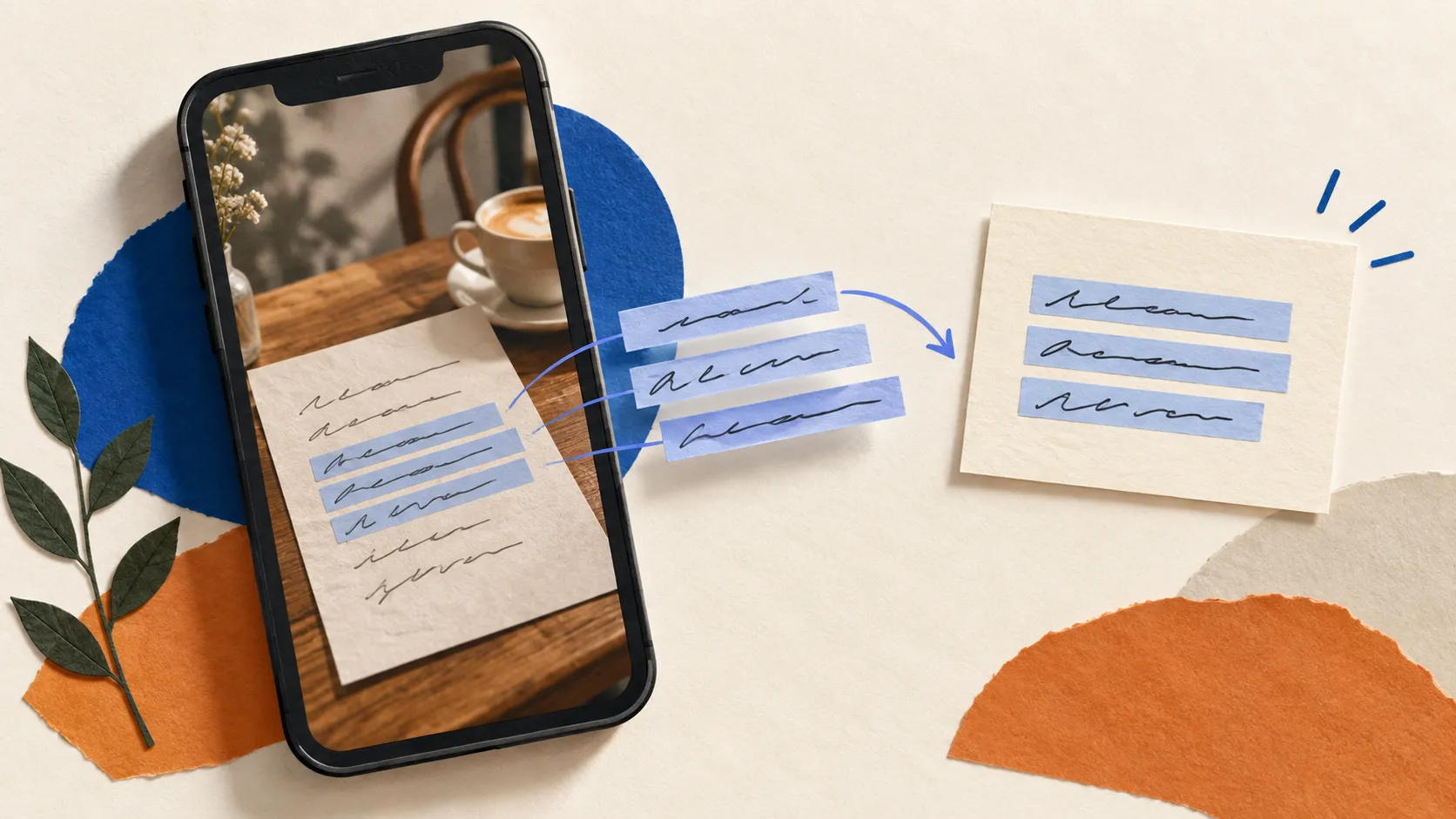
How to Copy Text from a Photo on iPhone and Keep It Useful
Turn a screenshot, printed note, or photographed address into text you can actually use. Then clean it up and save the part you will need again.

Android Clipboard History: Where It Lives and Why It Vanishes
Android has no system clipboard history. Your keyboard has one, which explains the one hour expiry, the Samsung differences, and why pinning is the only durable part.
iPad Clipboard Manager: What Works and What iPadOS Will Not Allow
The iPad keeps one clipboard item and no history. Here are the gestures, shortcuts, and apps that actually speed up copy and paste on iPad, and the limit none of them get around.

Universal Clipboard Not Working? A Fix List That Starts With the Real Cause
Universal Clipboard fails for four reasons, and they are always the same four. Here is the diagnostic order that finds yours in about two minutes.

How to Clear the iPhone Clipboard, and What Actually Works
The iPhone has no clear clipboard button, and restarting does not empty it. Here is the one method that reliably works, plus a shortcut to do it in one tap.
How to Paste Faster on iPhone: The Fastest Ways to Reuse Text
iOS makes reusing saved text slow with one clipboard slot and no history. Here are the fast-access methods on iPhone and where each one actually shines.
How to Copy and Paste Between iPhone, iPad, and Mac
Copy on one Apple device and paste on another with Universal Clipboard. Here is how to set it up, what it can and cannot do, and how to fix it.
Does the iPhone Have Clipboard History? (And How to Get It)
The iPhone keeps only one copied item at a time and no history. Here is why, the workarounds people try, and how to actually keep what you copy.

How to See and Manage Clipboard History on Mac
macOS finally has a built-in clipboard history in Spotlight, but it expires and cannot pin snippets. Here is how to see it, the Terminal trick, and the managers that go further.