Save from anywhere
Copy in one app. Keep it forever.
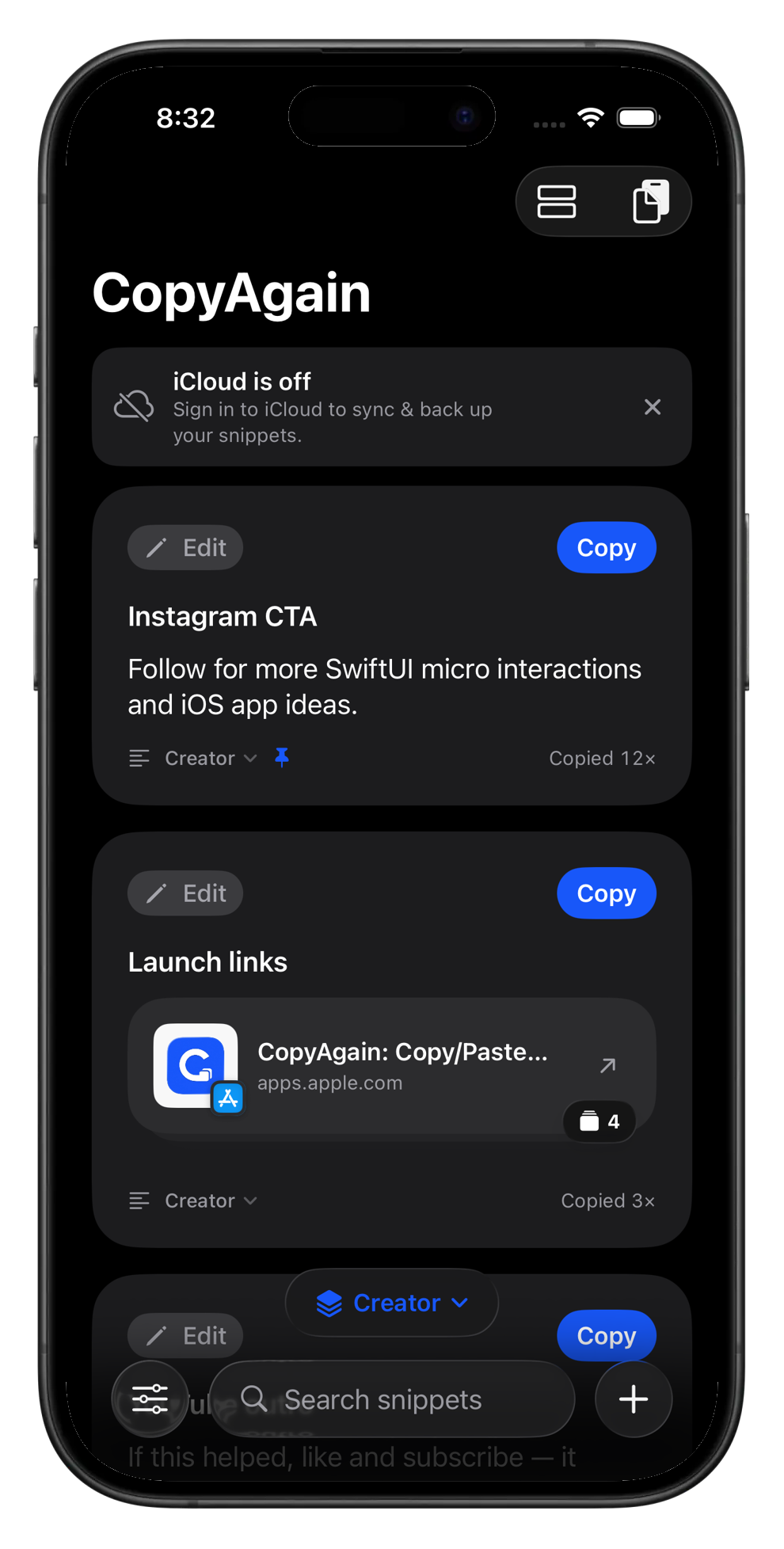
Select text in Safari, Notes, or any app and save it to CopyAgain. Your widget keeps every snippet a tap away, right on the Home Screen.
Your everyday clipboard vault
Save the text, links, prompts, addresses, and notes you copy often. CopyAgain keeps your useful snippets ready with one clean tap.
742 Evergreen Terrace, Springfield
Thanks so much! I'll take a look today.
Save once. Paste anywhere.
git commit -m "ship it"
UPI · eightinity@okhdfc
Liquid glass
See it in action
In motion
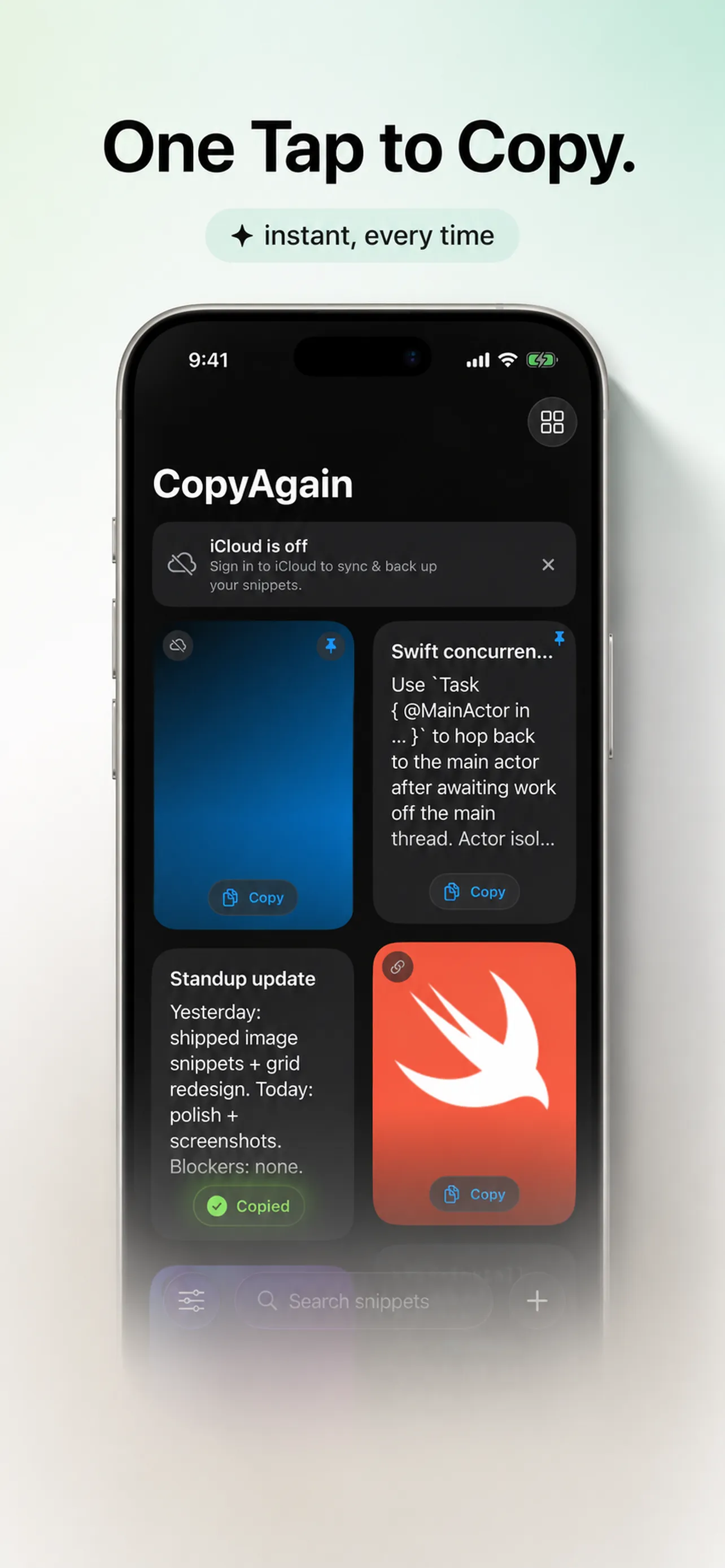
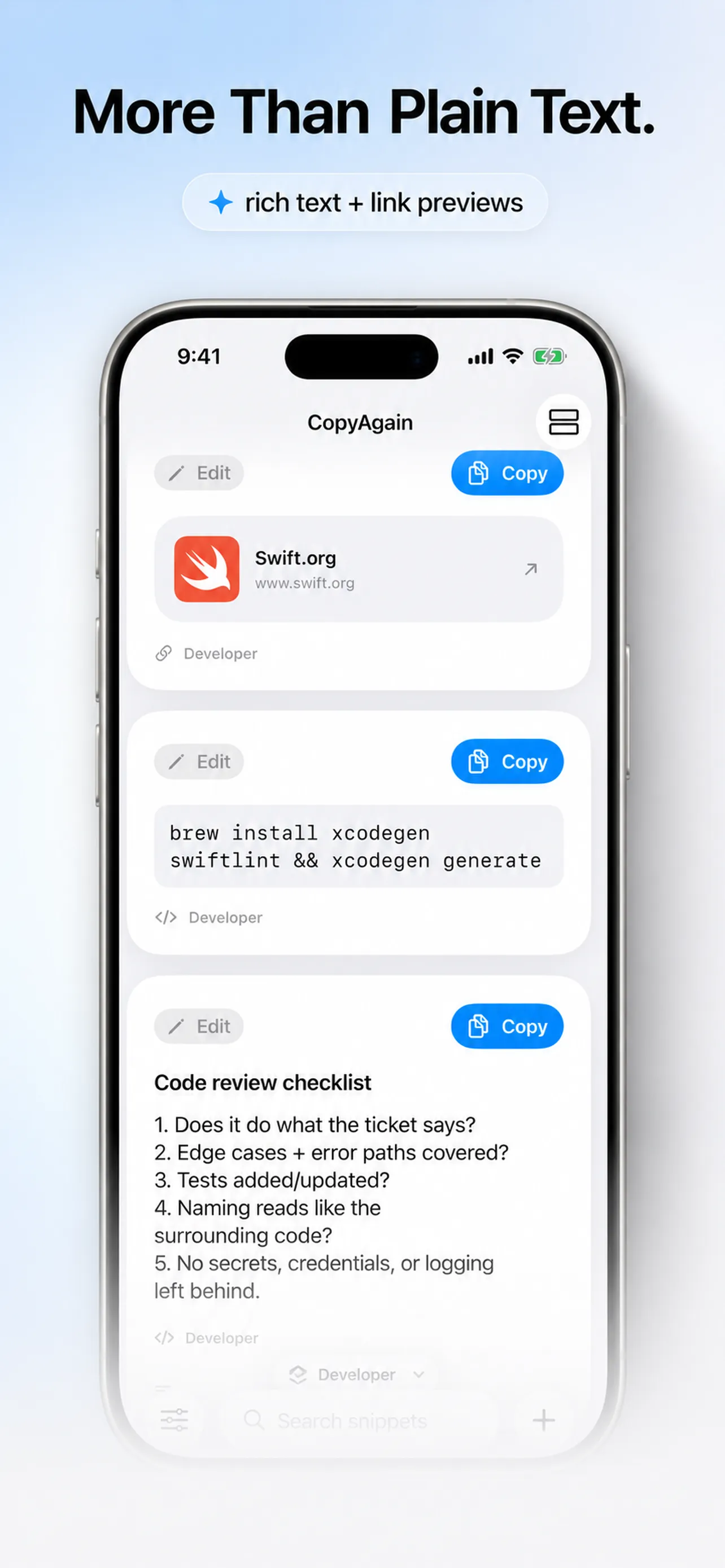
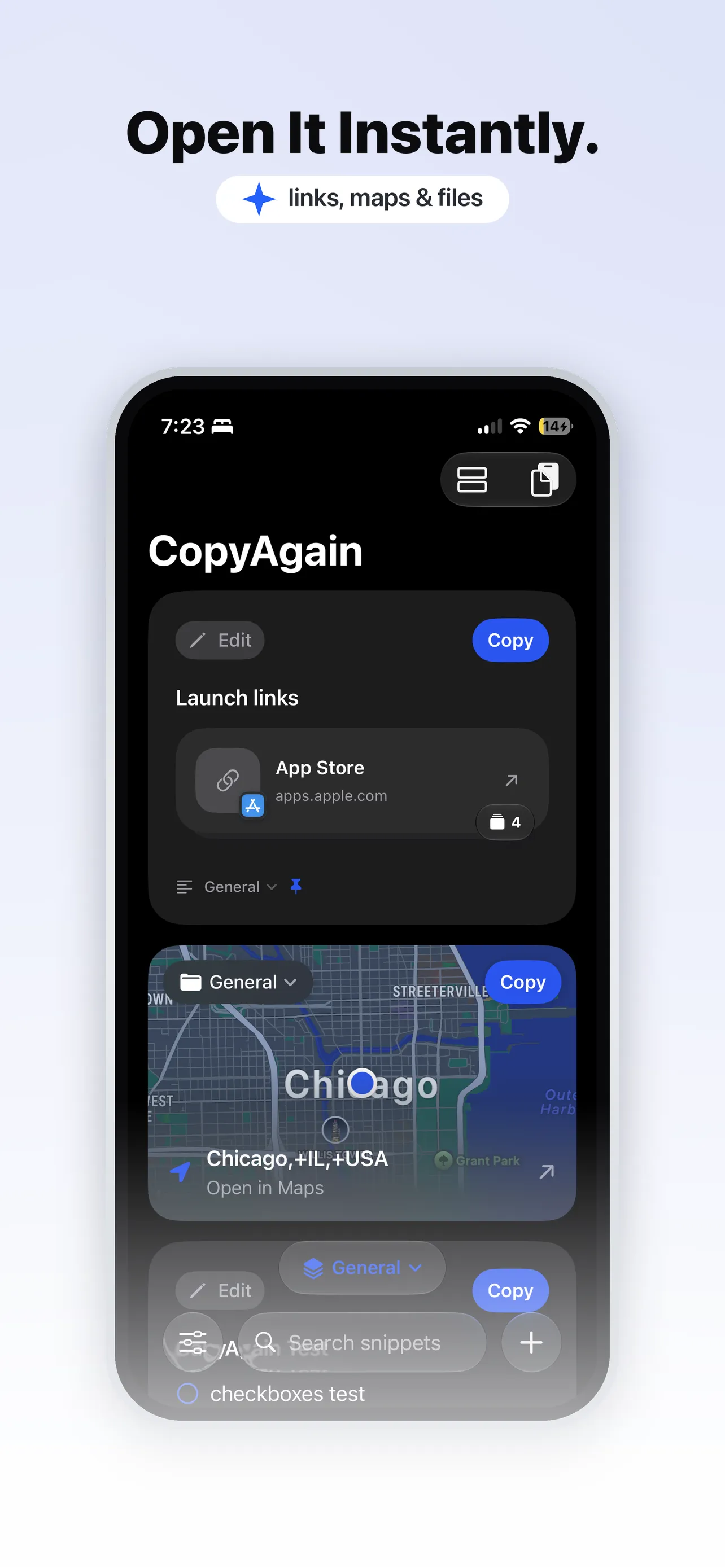
Real recordings, no mockups. This is CopyAgain running on iPhone.
Save from anywhere
Select text in Safari, Notes, or any app and save it to CopyAgain. Your widget keeps every snippet a tap away, right on the Home Screen.
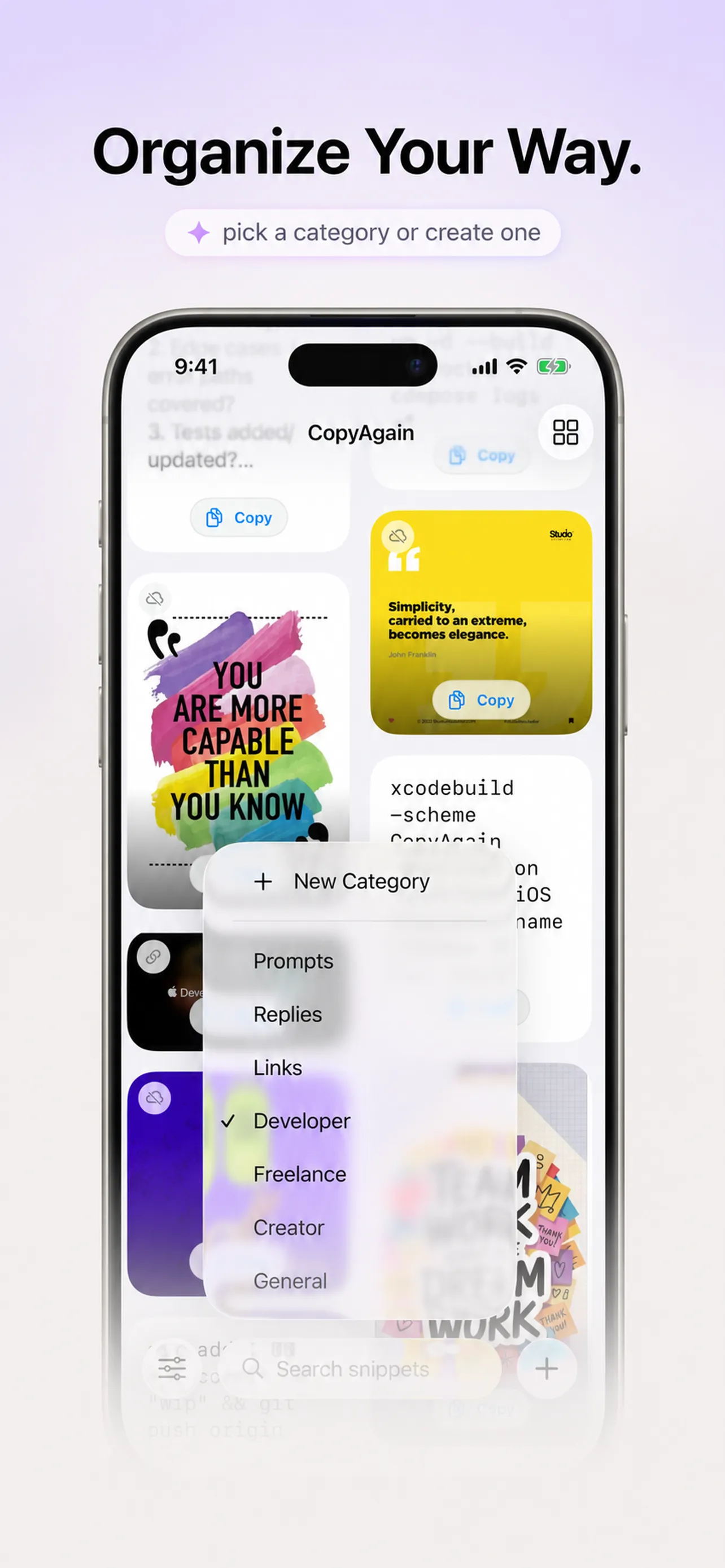
Organized by default
Categories sort every kind of snippet, with live link previews and a Copy button on each card. Reorder them however you think.
Straight from the app
These are the actual CopyAgain cards, not marketing mockups. Every snippet is one tap from copied. Go on, try a Copy button.
Follow for more SwiftUI micro interactions and iOS app ideas.
brew install xcodegen swiftlint && xcodegen generate
Yesterday: shipped image snippets and the grid redesign. Today: polish. Blockers: none.
Thanks so much! I'll take a look and get back to you today.
Features
CopyAgain keeps your snippets, links, and images in tidy categories, then puts them everywhere you type.
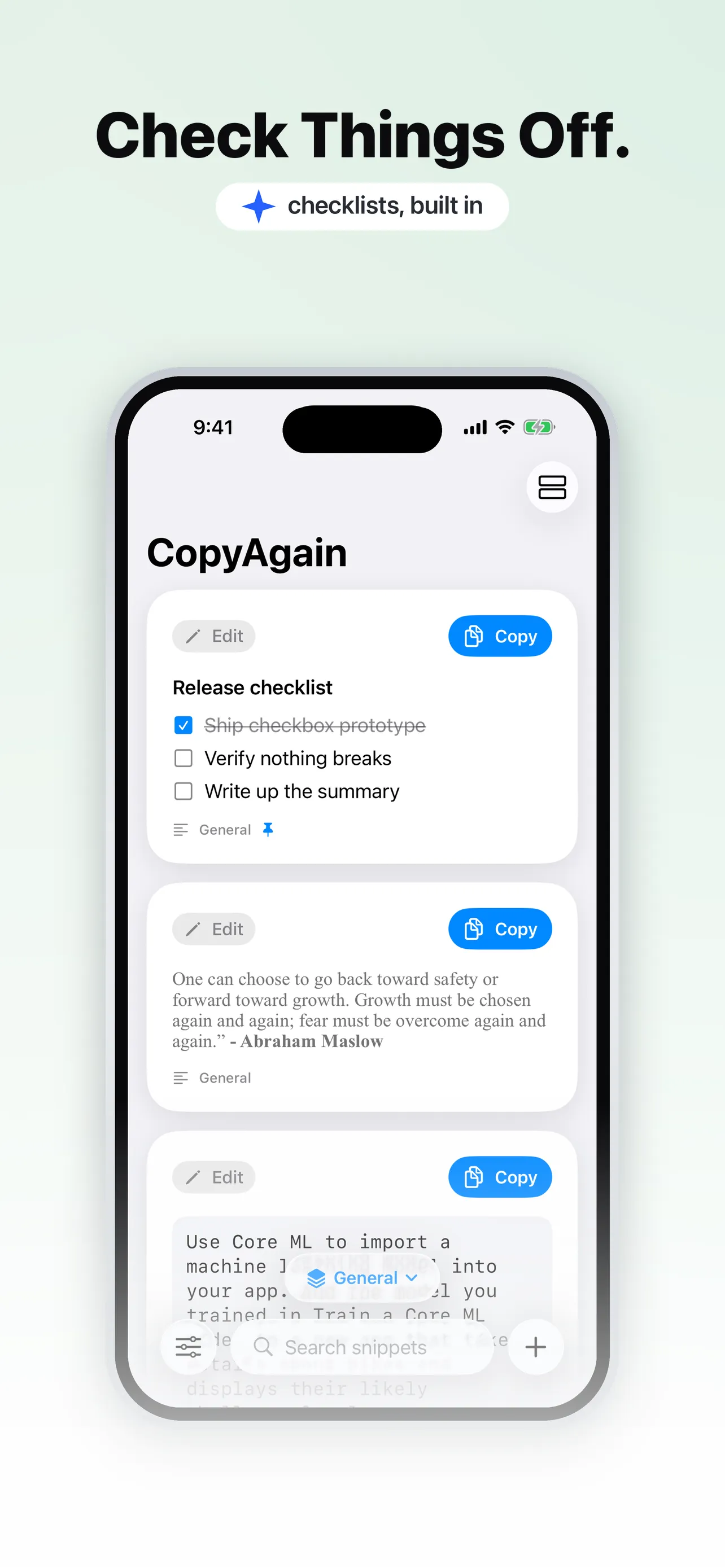
Text, links, images, addresses, and rich notes all live in one place. Check off list items with a tap, and paste any of it back with one more.
Save or paste without opening the app. Reach CopyAgain from the Action Button, Back Tap, Siri, Control Center, the keyboard, a widget, or the Share sheet.
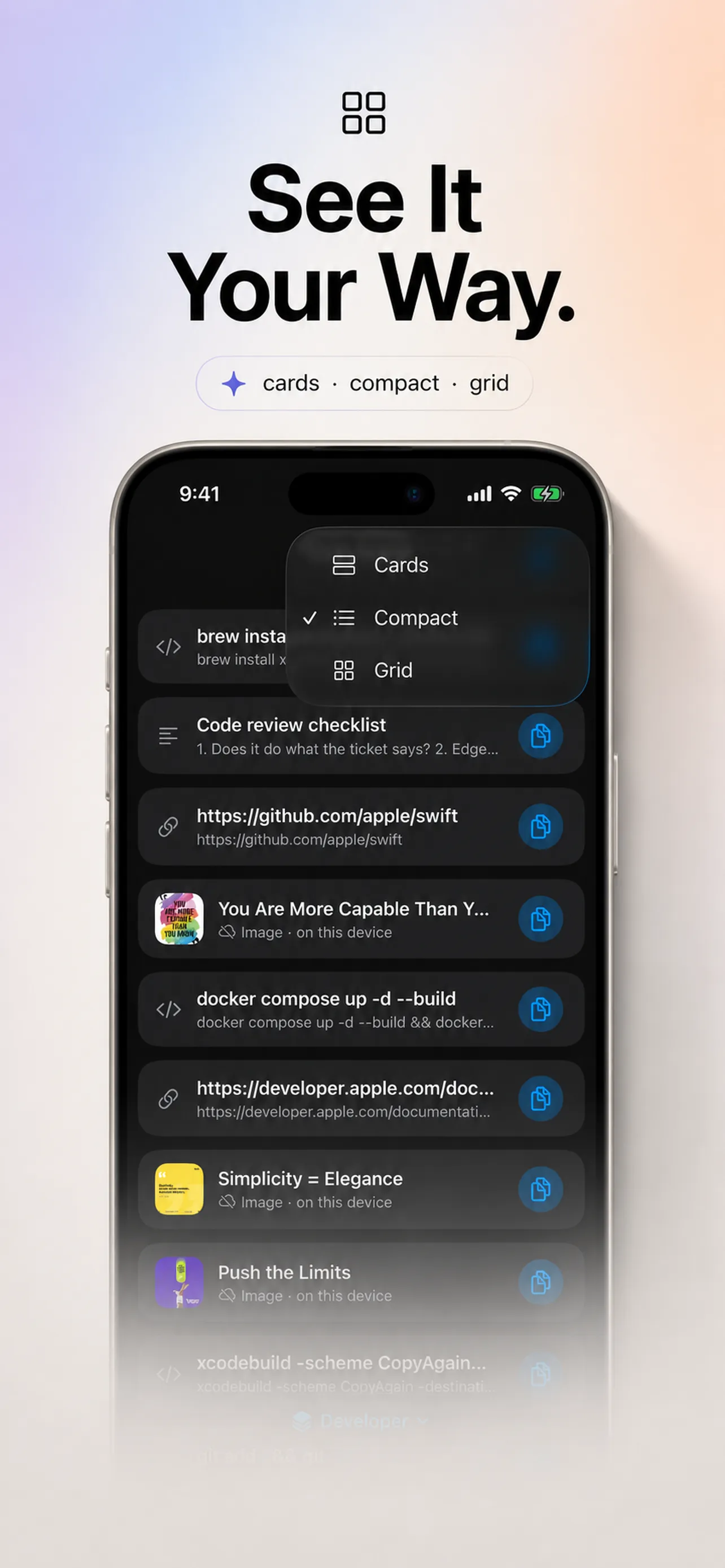
Sort into categories and see them as cards, compact, or a grid. Order by most-used or most-recent so the right snippet is always on top.
Tap the sparkles to Improve Writing, Proofread, Make Shorter, or suggest a title. Powered by Apple's on-device intelligence, so nothing leaves your phone.
There's no server to leak.
Your iCloud only - no third-party server.
No analytics on what you save.
Just your snippets. Nothing else.
Built like a utility should be - quietly yours.

Platforms
Your snippets sync privately through your own iCloud, so what you save on one device is ready on the next.
The full app, widget, keyboard, and Share sheet.
A menu-bar app that saves your clipboard in a tap.
Get it on the App StoreThe same snippet library, built for Material.
On the Mac
Copy anything on your Mac and a glassy toast slides down from the menu bar. One click to save it. Your whole library is a keystroke away, and never in the way.
 Save what you copied?
Pricing
No subscription, no ads. Buy CopyAgain once and every feature is yours, across all your devices, for good.
Lock in the launch price. This offer will not last.
Lifetime unlock. Pay once, keep it forever.
Lifetime unlocked. Thank you 💙
FAQ
No. It reads your clipboard only when you tap Paste or Add. It never watches it in the background or keeps a running history.
On your device, and synced through your own private iCloud so they're ready across your devices and restored when you reinstall. They never touch our servers.
iPhone and iPad, a Mac menu-bar app, and Android. The iPhone app also includes a widget, keyboard, and Share sheet extension.
Yes. Pay once and every feature is unlocked for good, with all future updates included. No subscription, no ads.
Yes. Improve Writing, Proofread, Make Shorter, and title suggestions all run fully on your device.
Mark anything Sensitive and it stays hidden behind Face ID or your passcode, then locks itself again when you leave the app.
Save it once in CopyAgain, and it's one tap away everywhere.